
| 3 Comments | TRC
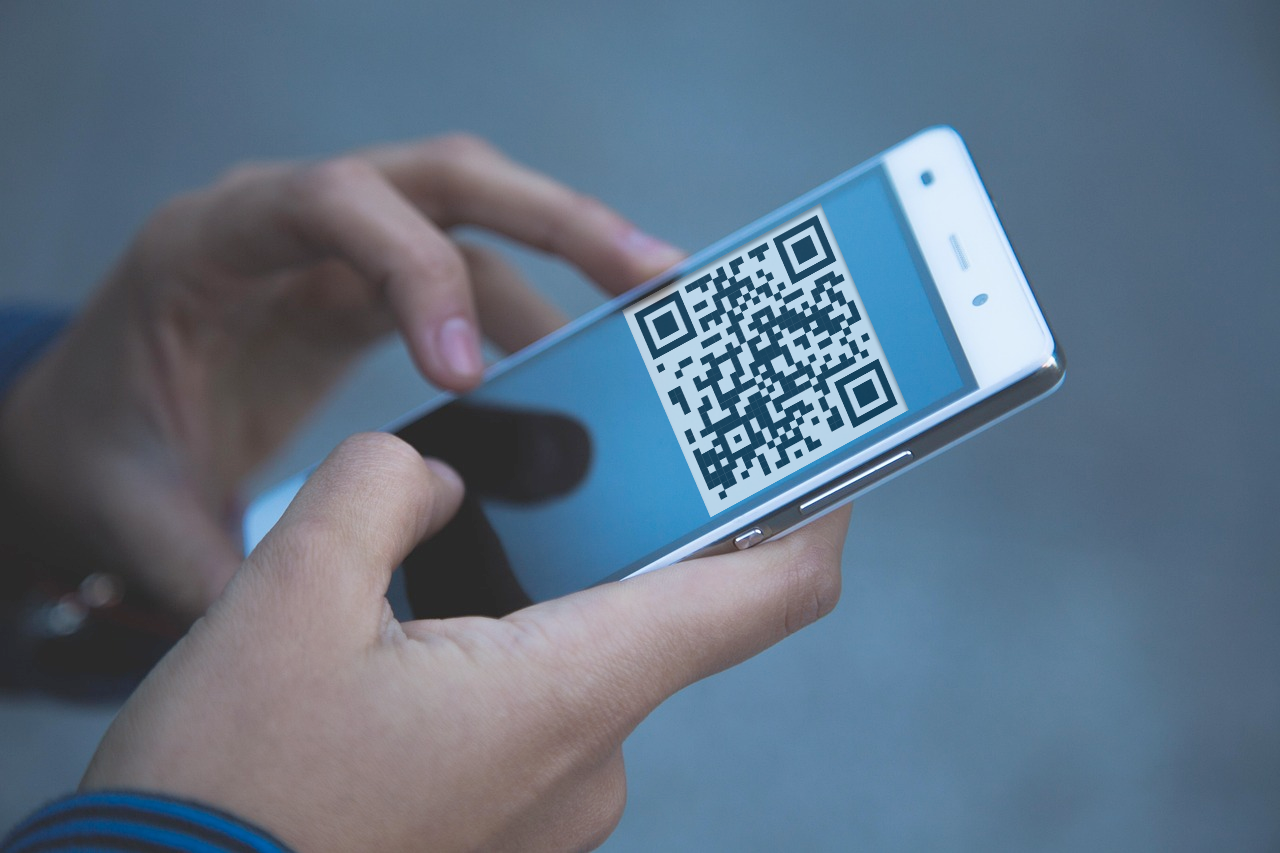
An introduction to QR Codes
A fast, easy and secure way to collect reviews from your customers.
Read More +
We're hoping to streamline this step with Google API intergration in the near future.
For now, you can find your Place ID by visiting the Google Places API and searching for your business.

Please paste your Place ID into the form below and click "Generate Link".
search.google.com/local/writereview?placeid=ChIJmZuNDMQEdkgRfB9O9456eQc
Now Program the NFC Chip by using the NFC Writer app on your phone.
Confirm:
"Protected by password" = No
"Writable" = Yes
Using the NFC Writer app, select:
Write >
Add a record >
URL / URI >
https:// >
Paste the link you generated above >
OK >
Write / xx Bytes >
Tap the NFC Chip to write
Tap the NFC Chip to the phone and see if it works.
Make the most of your new smart business review cards with hot tips and tricks, industry secrets and more.
| 3 Comments | TRC
A fast, easy and secure way to collect reviews from your customers.
Read More +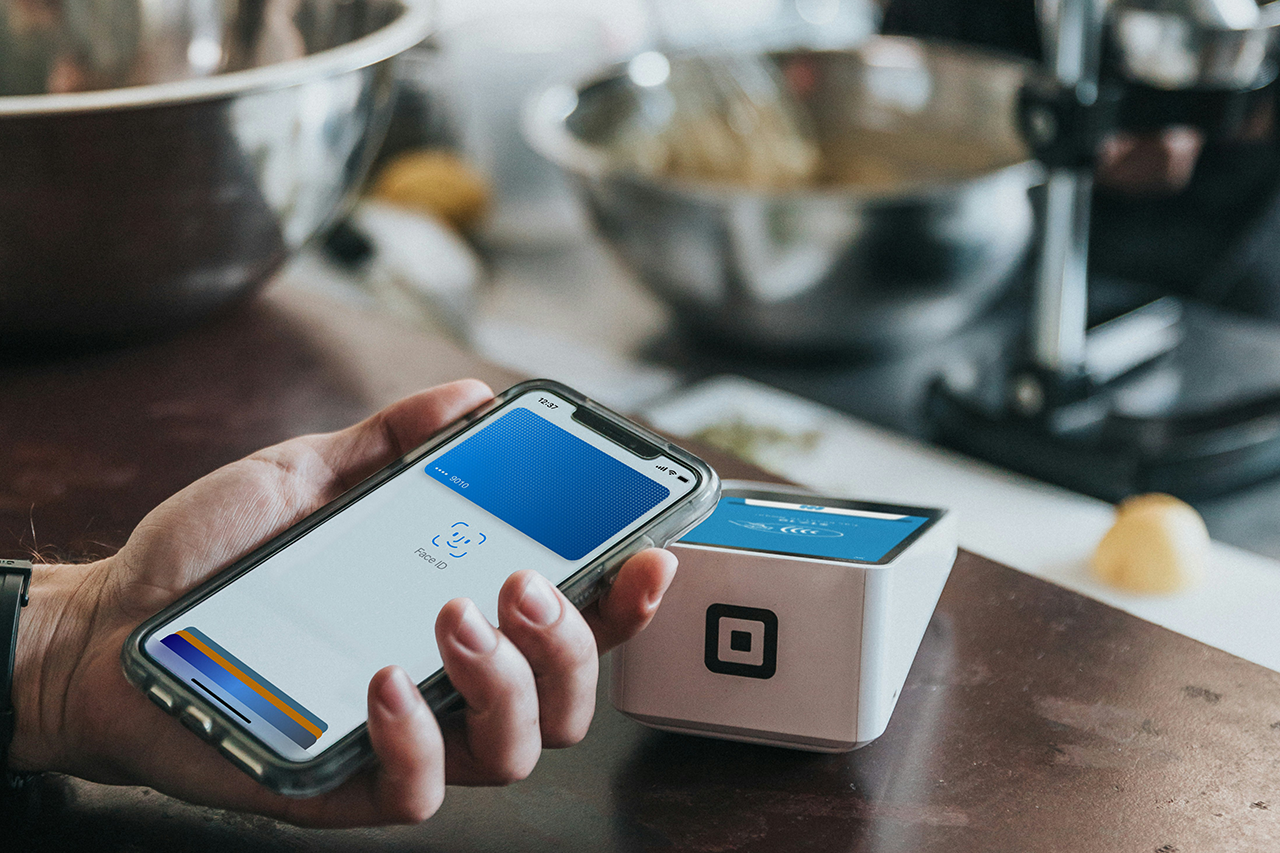
| 4 Comments | TRC
NFC chips are at the heart of contactless technology. Here's what you need to know.
Read More +